Bruno Simon's Portfolio
A portfolio you explore by driving a toy car around a 3D world.
- 5 minutes
- Desktop
- Alive · checked 15 days ago
31 sites · every link checked daily
A browser can do much more than show text and pictures, and these interactive websites are the proof. They respond to your mouse, keyboard, scroll wheel or voice, and the interaction is the point, not an add-on.
The showpiece is Bruno Simon's Portfolio: instead of scrolling, you drive a small car around a 3D world filled with hidden things. It loads heavy and wants a desktop, but it is a famous example of playful web design. Internet Roadtrip turns Google Street View into a car dashboard with a map, an FM radio and a live count of drivers, all steered by the crowd. Silk turns a cursor into glowing, mirrored ribbons. Patatap maps every key to a sound and an animation, with a flashing-images warning. Chrome Music Lab is a playground of music tools that anyone can use.
There are serious entries too. earth animates the planet's winds and currents, Stellarium Web puts a planetarium in a tab, and NASA's Eyes lets you fly through the solar system.
If you want a technical angle, three.js Examples, Shadertoy and OpenProcessing show the code behind the magic.
Use "Surprise me from this list" for a random pick. The cards flag desktop-only sites, loud audio and flashing visuals.
A portfolio you explore by driving a toy car around a 3D world.
A shared Street View road trip steered by everyone online at once.
Draw flowing, symmetrical ribbons of light with your mouse.
Every key on your keyboard triggers a sound and a burst of animation.
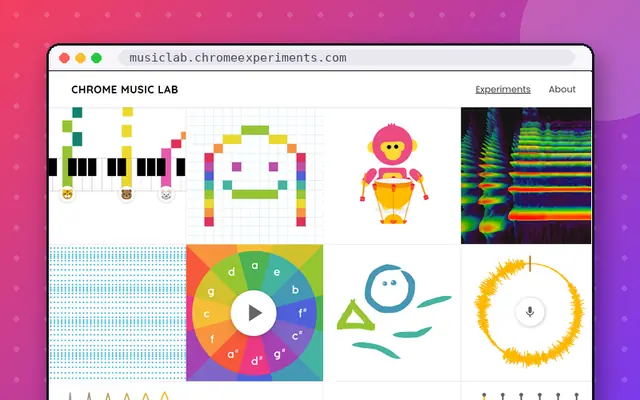
Playful experiments that make music easy to explore.
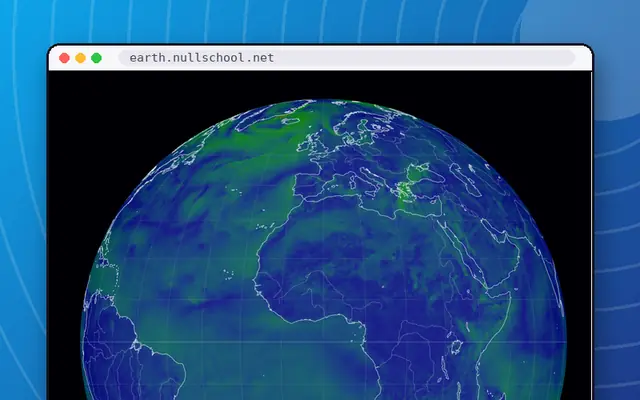
A gorgeous live globe of the world's winds, weather and ocean currents.
Drag countries around the map to see their real size.
Spin a 3D globe and tune into live radio from any city.
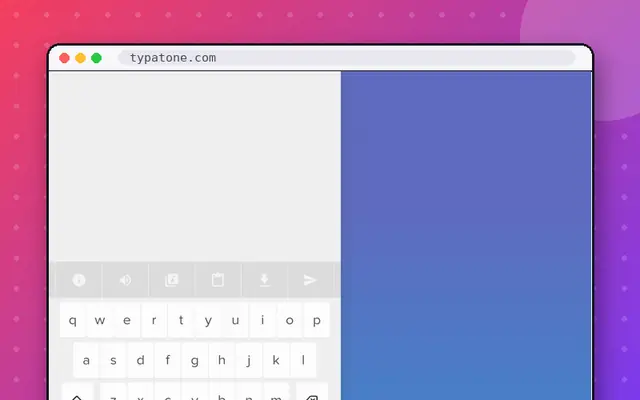
Every letter you type plays a note, so your writing becomes music.
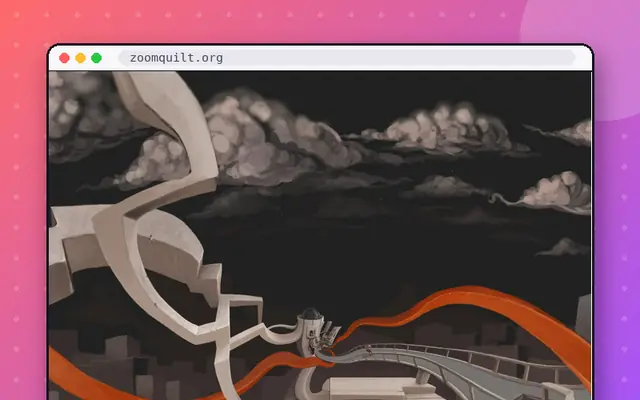
An infinitely zooming painting that never stops falling in.
A free planetarium that runs in your browser.
Fly through the solar system, Earth and spacecraft in 3D.
Look out of a stranger's window, anywhere in the world.
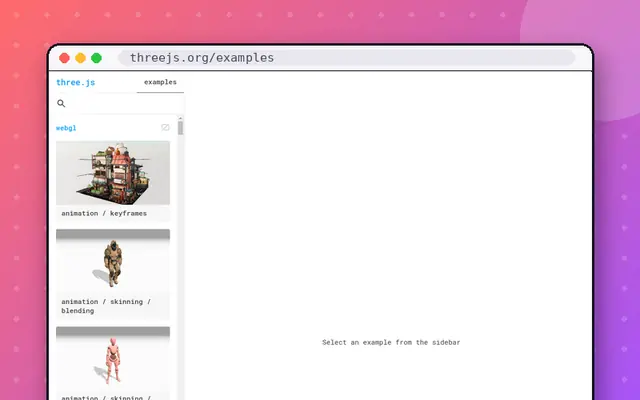
Hundreds of 3D demos showing what the browser can do.
Tiny JavaScript animations made in 140 characters or less.
Make animated art with a single tiny JavaScript function.
Swirl glowing fluid around with your cursor.
A falling-sand sandbox with hundreds of elements to mix.
A classic particle sandbox: fire, water, gunpowder and more.
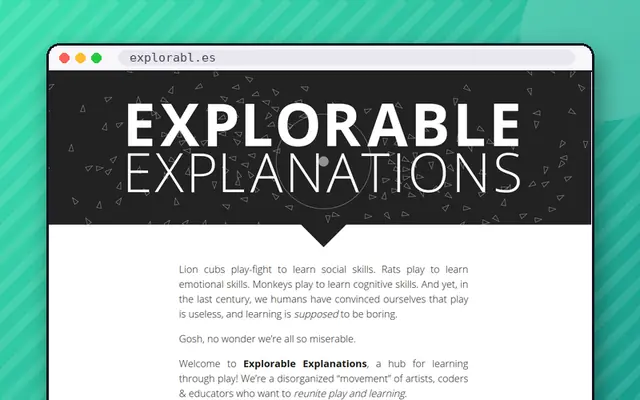
A hub for interactive essays that you learn by playing.
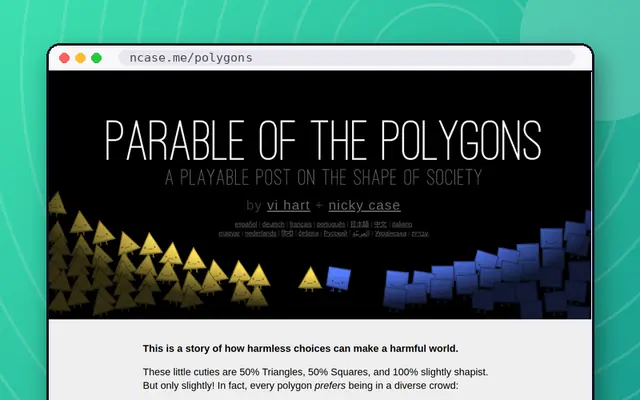
A playable explainer on why we trust each other, with game theory.
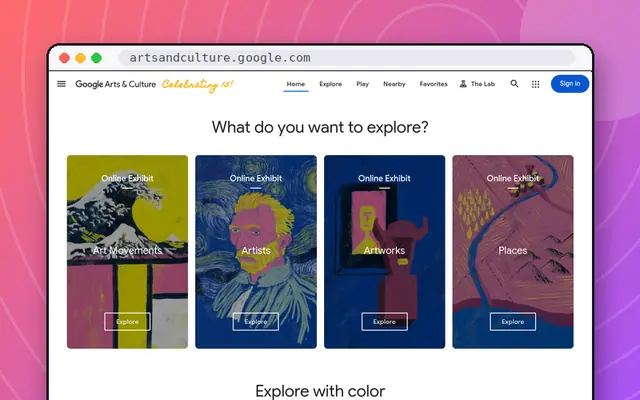
Museums, art and cultural treasures you can zoom into.
Sketch chiptune songs and share them as a link.
A free browser music sequencer with a huge community library.
Combine basic elements to discover hundreds of things.
An endless crafting game that starts with Water, Fire, Wind and Earth.
Scroll down through the ocean and meet what lives at every depth.
How we picked. The test is whether the page would lose its meaning as a static screenshot. We favor sites where interaction is fluid, surprising and well designed, and we mix art, music, maps, science and games so the list shows range.
Pick by input.
Performance and compatibility. 3D and shader-heavy sites can be demanding. If a page is slow, close other tabs, try full screen, or try a different browser. A handful of entries, such as Bruno Simon's Portfolio, Patatap, Shadertoy and BeepBox, are best on a desktop. The mobile badge on each card tells you before you try.
More like this. If you want the full set of showpieces, see Cool Websites to Visit Right Now. For tools and toys, try Fun Websites to Play With, and for the category hub with a looser definition, visit Cool Interactive Websites. Or take me somewhere odd.
Bruno Simon's Portfolio, Internet Roadtrip, Silk, Patatap, Chrome Music Lab and earth are widely admired examples. They use the browser for drawing, 3D, sound and maps without any plugins. All are on this list and are checked daily for link health.
An interactive website responds to your input in a meaningful way, such as moving objects, making sound or changing a view as you scroll. In this list the interaction is the main attraction, not an extra on top of an article.
3D worlds and shader-based visuals use a lot of your computer's graphics power. Close other tabs, use a desktop if possible, and give heavy pages a moment to load. Bruno Simon's Portfolio is a good example of a page that is worth the wait.
Many do, but not all. Scroll-based and touch-friendly sites such as The Deep Sea and Radio Garden work well, while keyboard-led pages like Patatap do not. Each card has a mobile badge, so you can see which is which before you open it.