Bruno Simon's Portfolio
A portfolio you explore by driving a toy car around a 3D world.
- 5 minutes
- Desktop
- Alive · checked 15 days ago
44 sites · every link checked daily
Not all web art hangs politely on a wall. A lot of it moves, reacts to your cursor, or runs entirely on a few lines of code. The digital art websites in this category are the ones you do not just look at but play with.
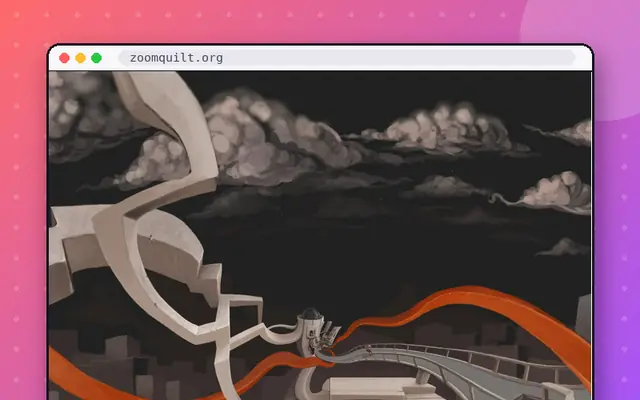
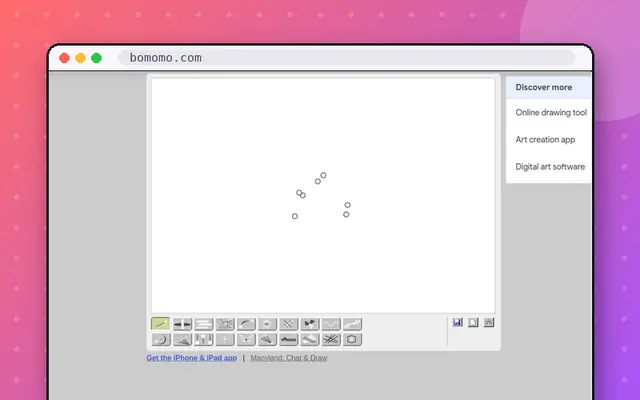
Silk turns cursor movement into flowing, mirrored ribbons of light. Zoomquilt is a collaborative painting you can fall into forever. Bomomo is a drawing toy with strange generative brushes, made by Philipp Lenssen in 2008 and still working. For code-minded visitors, Shadertoy shows real-time graphics written entirely as shaders, and Dwitter squeezes animations into 140 characters of JavaScript. Staggering Beauty is the wild card: it reacts violently to your mouse, and it opens with a warning for flashing images and loud noise, so mind the volume and skip it if you are photosensitive.
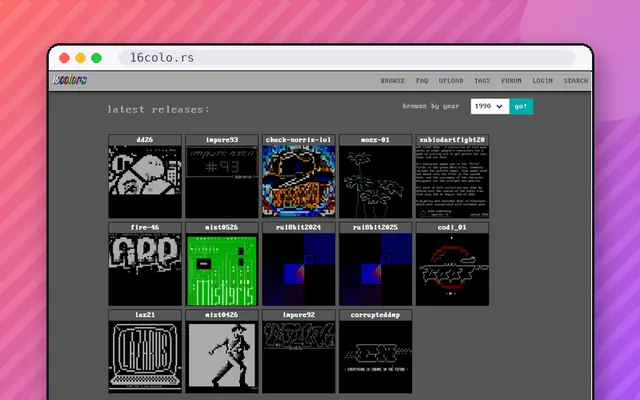
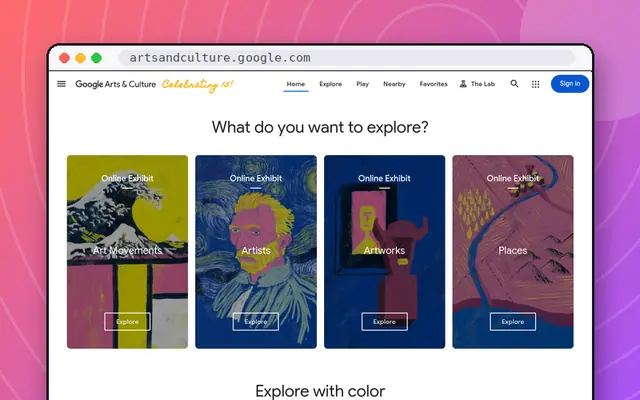
There is also a quieter, archival side. 16colors preserves ANSI art from the BBS era, and Google Arts & Culture lets you zoom into museum collections.
We include creative-coding galleries because they are where a lot of the web's best art lives, and we skip anything that is mainly a shop. For the calm end of the spectrum, see Satisfying; for the code-heavy end, Interactive. Or let the button pick a canvas for you.
A portfolio you explore by driving a toy car around a 3D world.
An infinitely zooming painting that never stops falling in.
An archive of ANSI and ASCII art from the BBS days.
Hundreds of 3D demos showing what the browser can do.
Type a worry into a star and watch it dissolve in sixty seconds.
Shake your mouse vigorously. Flashing images and loud noises.
Tiny JavaScript animations made in 140 characters or less.
Draw flowing, symmetrical ribbons of light with your mouse.
Make animated art with a single tiny JavaScript function.
Museums, art and cultural treasures you can zoom into.
Strange and wonderful out-of-copyright art, books and ephemera.
Pour colored sand into a jar and carve patterns.
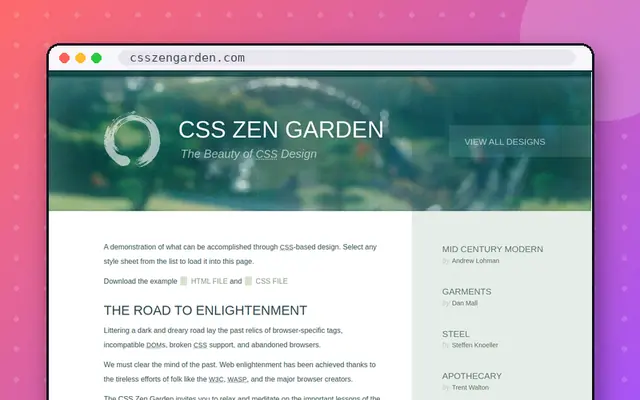
One HTML page, hundreds of wildly different designs.
The sequel: another infinitely zooming image.
Thousands of ASCII drawings, sorted by subject.
A deranged fake operating system with surreal apps.
An infinite shared text canvas anyone can write on.
Every key on your keyboard triggers a sound and a burst of animation.
A 3D tour of the nearby stars, with background music.
A web collage built from archived GeoCities pages, 1994-2009.
Swirl glowing fluid around with your cursor.
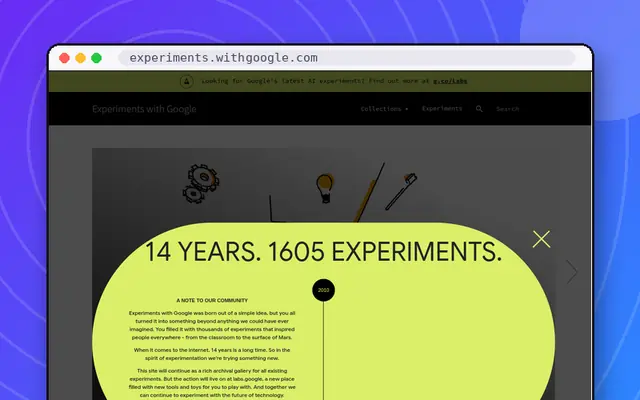
A gallery of creative coding, AI and music experiments.
Invented words for feelings you didn't know had names.
Sketch a suspect from vague, unreliable witness testimony.
Tens of thousands of beautifully scanned old maps.
Click through a pixelated mosaic until the picture appears.
Michael Bach's classic collection of optical illusions.
Doodle quickly while an AI tries to guess what you're drawing.
Try to sketch famous logos, then reveal how wrong you were.
The archive of Google's changing logos, with interactive games.
MS Paint, faithfully rebuilt for the web.
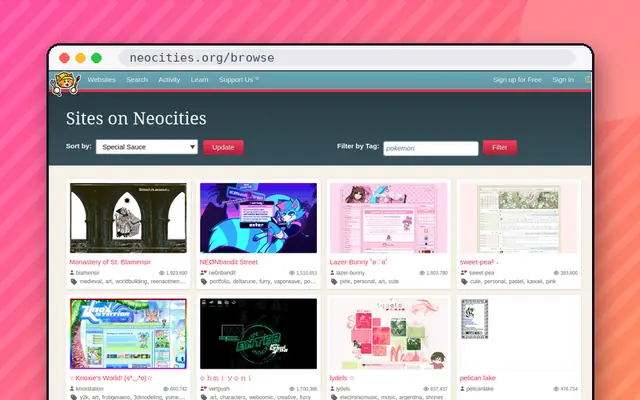
Browse the hand-made personal sites of the modern indie web.
Near-live images of the Sun in different wavelengths.
David McCandless's gorgeous data visualisations.
A new space photo every day, with an expert's explanation.
Silk, Zoomquilt, Bomomo and WebGL Fluid Simulation are great for casual play. For creative coding, try Shadertoy, Dwitter and OpenProcessing, which let you see and fork the code. Each takes a minute to start, none requires an account, and all of them are checked daily so the link will actually work.
No. Most toys here are generative: you move the cursor and the page does the artistic work. Silk and Bomomo are made for people who cannot draw. If you want more control, Quick, Draw! and AutoDraw are friendly entry points that tolerate rough sketches.
Not always. A few pieces, such as Staggering Beauty and Patatap, use flashing images, and we label them with content notes. If you are photosensitive, check the profile before opening an art site, and prefer calm pieces like Zoomquilt or This is Sand.
Yes. Shadertoy, OpenProcessing, Dwitter and tixy.land all let you write code and watch it become visuals. OpenProcessing and Shadertoy also let you open other people's work and tweak it, which is one of the best ways to learn creative coding.