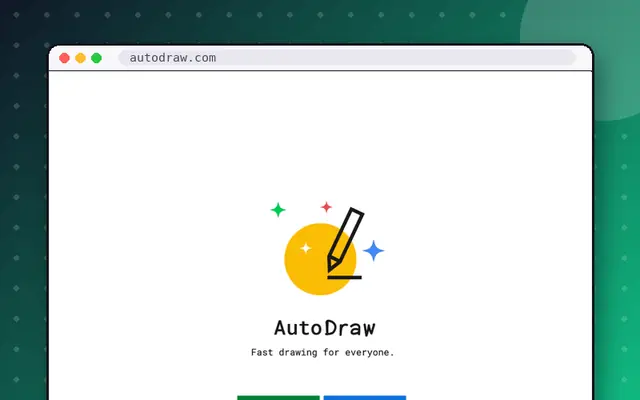
AutoDraw lets you scribble badly and have AI suggest a nicer drawing. You doodle something rough on the canvas, and the tool offers polished icons that match your sketch, which you can click to swap in. It is a fast way to make clean illustrations without skill, and it is from Google. When you arrive, you see a blank canvas and a toolbar, with suggestions appearing along the top as you draw. The suggestions are not always right, which is part of the fun, and you can mix hand-drawn and swapped elements in the same picture. You can also add color, text and shapes, then download your work. It takes about five minutes and works on phones as well as desktops. Try drawing a cat, a house or a spaceship and see what it offers. If you enjoy this, Quick, Draw! is the same family of experiments and is also on our list.
Tips for getting the most out of it
- Keep sketches simple for better suggestions.
- Mix your own lines with swapped-in icons.
- Download your picture when done.
Questions about AutoDraw
What is AutoDraw?
AutoDraw is a Google tool that suggests polished drawings based on your rough sketch, so you can make clean illustrations quickly. In short: Scribble badly and let AI suggest a nicer drawing.
Is AutoDraw free?
The site can be used in your browser as a Google experiment. Check the site for the latest details. For reference, AutoDraw is listed as working on mobile, takes about 5 min to enjoy, and we check its link daily.
Sites like AutoDraw

Quick, Draw!
Doodle quickly while an AI tries to guess what you're drawing.
- 5 minutes
- Works on phones
- Alive · checked 16 days ago

JS Paint
MS Paint, faithfully rebuilt for the web.
- 5 minutes
- Works on phones
- Alive · checked 16 days ago
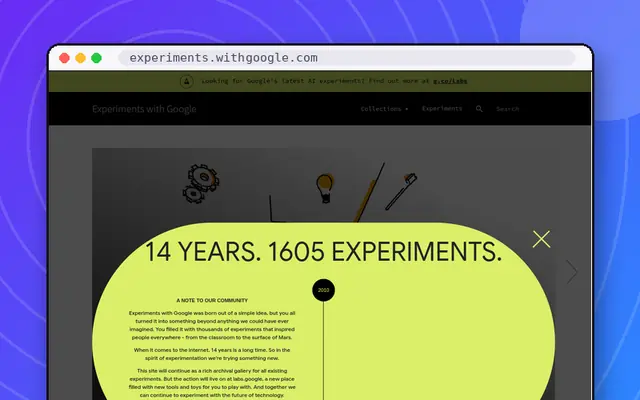
Experiments with Google
A gallery of creative coding, AI and music experiments.
- Rabbit hole
- Works on phones
- Alive · checked 16 days ago

Which Face Is Real?
Pick the real person from a pair of faces, one of them AI-made.
- 5 minutes
- Works on phones
- Alive · checked 16 days ago

Teachable Machine
Train an AI to recognise your face, sounds or poses.
- 5 minutes
- Alive · checked 16 days ago
